
Match the exact lens and camera arrangement
Keep mount, coverage, recording mode and the supplied version in separate, useful questions.
4 min read
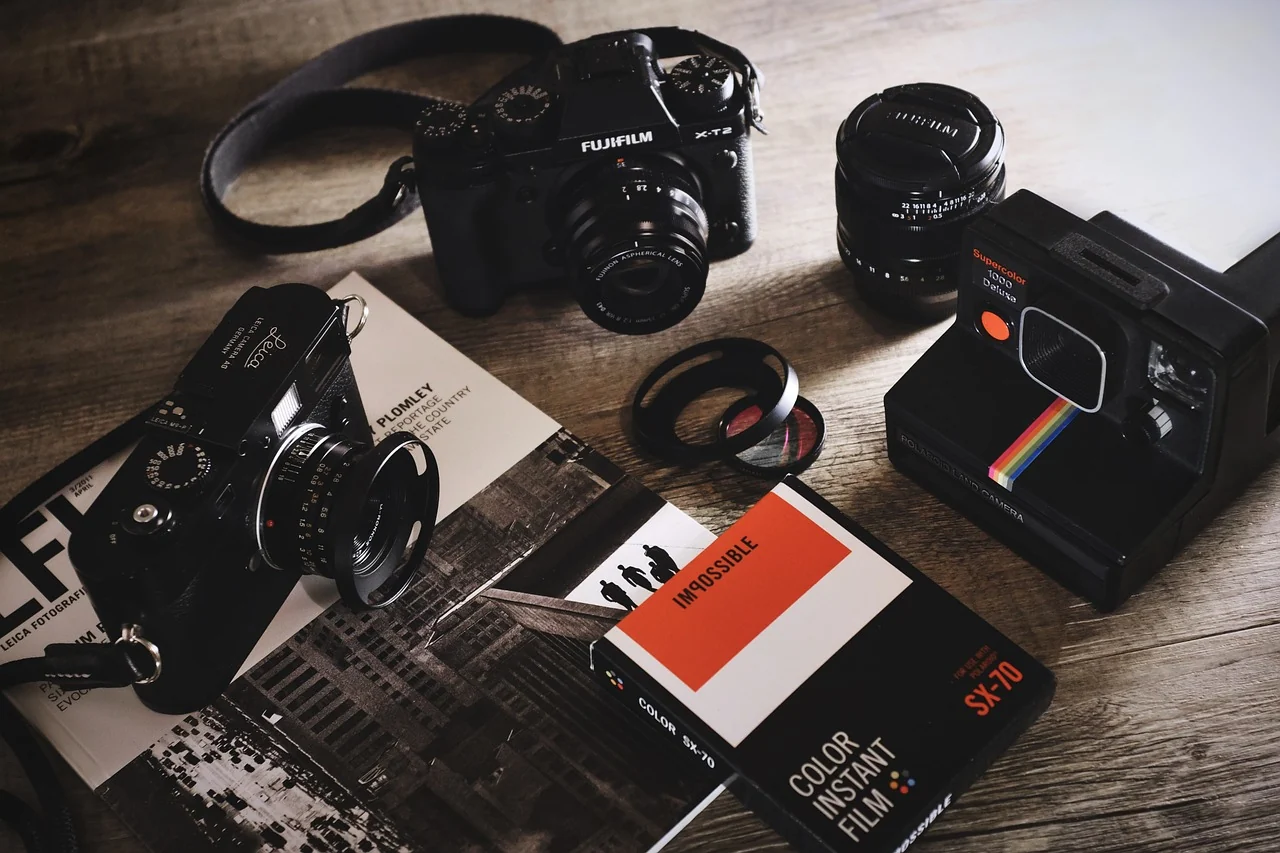
Matching an anamorphic lens to a camera starts with exact identifiers. Record the lens model and variant, the camera model, the relevant software context and the recording mode you intend to use. Keep the information together before comparing specifications. A broad family name or a photograph of a familiar connector can leave important parts of the actual combination unresolved.
Separate the mount from the image area
A lens page can describe the mechanical mount and format coverage in different fields. SIRUI’s 20mm anamorphic reference does this, listing native mount variants alongside its coverage information. Treat them as separate questions in your own plan. Finding a matching mount label is a useful part of the check, but it does not finish every question about the area you intend to record.
Keep the camera’s actual recording mode beside the coverage question. A sensor’s general format label is not the whole description of every available mode. Find the relevant camera documentation and record the mode you are considering. If a lens reference gives conditions or qualifications around coverage, retain them with the result instead of reducing the note to a simple yes.
Identify the exact supplied version
When a lens is offered in several mounts or variants, confirm which one belongs to the actual rental or purchase. Keep that confirmation with the model and the provider’s current information. Do the same for the camera or any relevant accessory. A family-level page may describe several arrangements while a particular offer supplies only one of them.
Check what comes with the arrangement and what is expected separately. Record the intended support, monitoring and handling requirements from the exact documentation rather than from a product photograph. If a needed item is still uncertain, make it a specific question before committing to the plan. A complete, understood arrangement is more useful than a shortlist that omits the parts between its main items.
Keep adapters and changes within their own scope
If an adapter is proposed, identify it as its own product with its own documentation and supported combinations. Do not treat the word adapter as a universal solution to an unanswered mount question. Ask the responsible manufacturer or provider about the exact lens, camera and intended use. Keep the answer with those identifiers so it is not later carried over to a different combination.
Use the responsible instructions and appropriate assistance for any physical mounting or configuration work. A comparison exercise can be completed without modifying equipment or trying to make mismatched parts fit. If you are borrowing or renting equipment, keep the provider’s requirements in the discussion. Their exact supplied arrangement is the one that needs to be understood.
Check viewing and recording separately
Compatibility planning also includes the image path. ARRI’s ALEXA LF FAQ provides a model-specific example where viewfinder and monitor desqueeze is distinct from the squeezed recording. Record what your own camera and display do, rather than assuming that a correctly proportioned screen tells you everything about the resulting file.
Include the person who will finish the material when choosing the intended mode. Share the lens factor, camera context and delivery frame early enough to resolve uncertainty. The framing-and-desqueeze guide helps keep the stages separate. It also gives you a way to describe the question when the documentation or a proposed substitution changes the plan.
Make sure the people providing and using the equipment are discussing the same identifiers. A short written confirmation is easier to revisit than a remembered conversation, especially if the intended camera mode or supplied lens variant changes between preparation and the day of use.
Keep the confirmation with the plan
Save the source links, the date checked and the exact combination discussed. Mark remaining uncertainties rather than replacing them with assumptions. Revisit the record if the lens variant, camera, software or intended mode changes. The main anamorphic guide connects this equipment check to the intended image, while Frame notes gives you a concise structure for keeping the decision readable.